Paid Ad Audiences

Sync audiences to Meta, TikTok, and Google

Target past ticket buyers and lookalikes with audiences that sync automatically. No CSV uploads, no wasted spend on fans who already bought tickets.

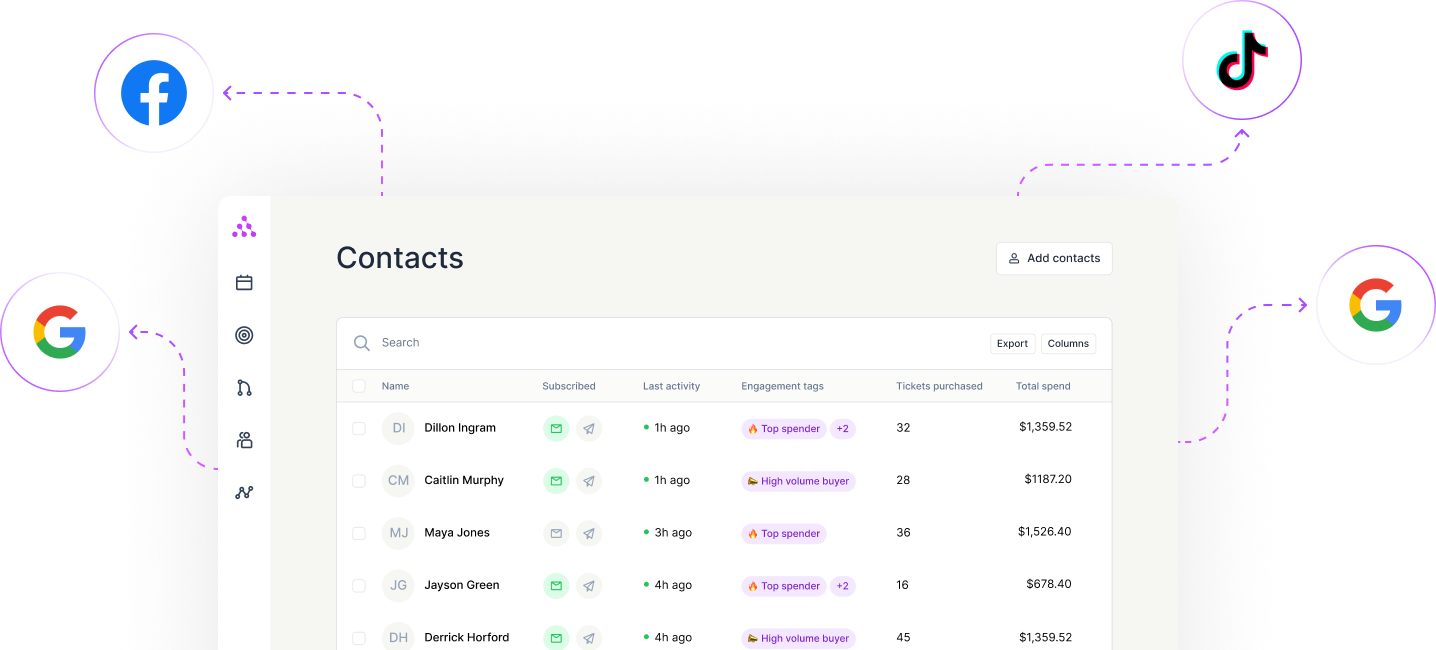
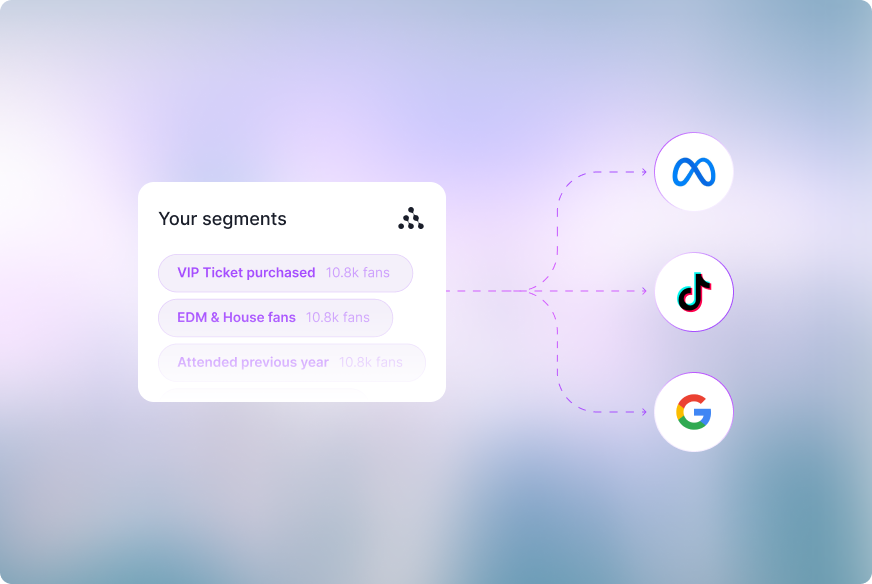
Sync your segments to ad networks. Push segments directly to Instagram, TikTok, Facebook, and Google Ads, no manual uploads.
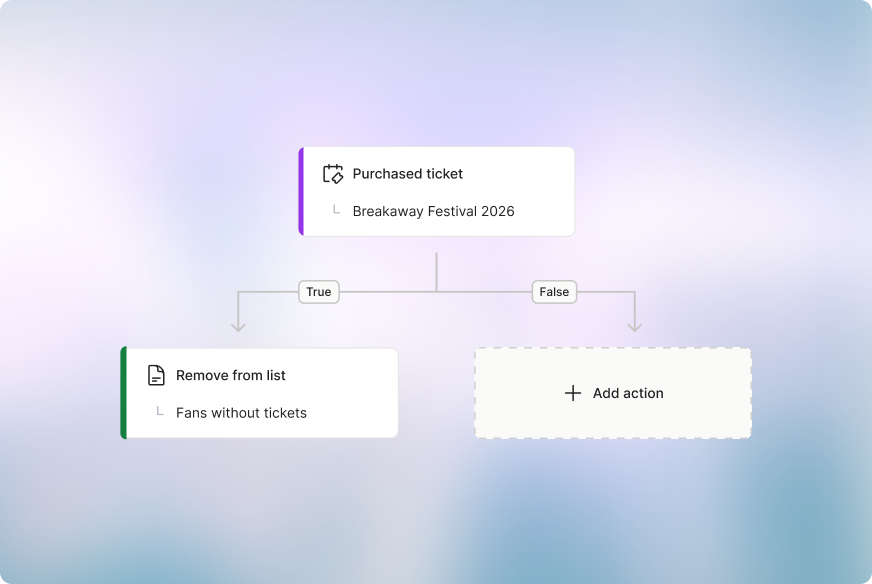
Automatically keep your ad audiences updated. Automatically add or remove fans from ad audiences when they buy tickets.
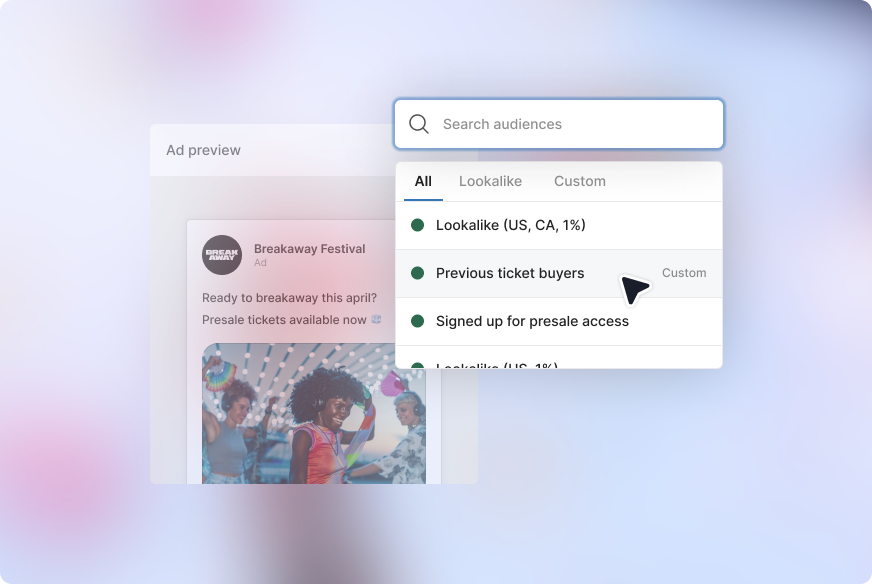
Create targeted ads. Access all your audience segments directly in Facebook Ads Manager, Google Ads, and TikTok for ad targeting and lookalikes.
Sync your segments to ad networks. Push segments directly to Instagram, TikTok, Facebook, and Google Ads, no manual uploads.

Automatically keep your ad audiences updated. Automatically add or remove fans from ad audiences when they buy tickets.

Create targeted ads. Access all your audience segments directly in Facebook Ads Manager, Google Ads, and TikTok for ad targeting and lookalikes.

Paid ads targeting fans most likely to buy tickets

Sync your segments to ad networks. Push segments directly to Instagram, TikTok, Facebook, and Google Ads, no manual uploads.

Automatically keep your ad audiences updated. Automatically add or remove fans from ad audiences when they buy tickets.

Create targeted ads. Access all your audience segments directly in Facebook Ads Manager, Google Ads, and TikTok for ad targeting and lookalikes.

No items found.
No items found.
No items found.

Paid Ad Audiences

FAQs

Why should I sync my CRM with paid advertising custom audiences?

Linking your CRM to Meta's custom audiences provides you with more precise targeting, better ad efficiency, improved conversion rates and the ability to reach new potential customers who resemble your existing fans. It ultimately allows you to leverage your customer data effectively and deliver personalized adverts that drive ticket sales.

How do I sync my CRM data to custom audiences?

Syncing a CRM like Audience Republic to your custom audiences is simple. Once logged in you just have to navigate to the Integration page, where you’ll find the appropriate channel such as Facebook. Open it and click sync to pull through each of the custom segments of your audience that you’d like to advertise to.

How can I improve my return on ad spend?

Return on ad spend (ROAS) is one of the most important metrics for marketers to monitor. A higher ROAS means your marketing efforts are more effective, whereas a lower ROAS can mean trouble for your budget.

One way of improving ROAS is by only targeting custom audiences that have been filtered and segmented. This means you will be working with a smaller, defined group of people that share similar interests or intent.

Having a CRM like Audience Republic makes this process easy. Audience Republic users typically see an improved ROAS as our CRM collates detailed fan data, which can be used along with enhanced filtering and segmentation capabilities to create inclusion and exclusion lists, meaning your ad spend is only being spent on the people most likely to engage with your content or purchase tickets to your event.

How long does it take to sync my audience data to Meta?

Never worry about a CSV. export/import again. Audience Republic auto syncs your entire audience including any segments and lists to Meta on an hourly basis.

What platforms can I sync custom audiences to?

Audience Republic syncs custom audiences directly to Meta (Facebook and Instagram), Google, and TikTok for targeted ad campaigns. Audiences update automatically, so your targeting stays fresh, no manual exporting or list management.

How do custom ad audiences work?

Custom ad audiences are segmented lists of your contacts, including ticket buyers, email subscribers, past attendees, and engaged followers, that sync automatically to Meta, Google, and TikTok. Audience Republic matches your first-party fan data to user profiles on each platform, so you reach the right people with the right message and improve your return on ad spend (ROAS) and reduce manual work keeping audiences updated.

Can I automatically remove fans from ad audiences after they buy tickets?

Yes. Audience Republic can remove contacts from your ad audiences after they purchase, so you stop paying to advertise to people who've already converted.

Can I create lookalike audiences from my segments?

Yes. Create lookalikes from any segment, top ticket buyers or superfans and sync them to Meta, Google, and TikTok. You'll reach new potential fans who share the behaviours and interests of your best customers, making it one of the most effective ways to grow your audience and drive ticket sales.

How does this save me money on ads?

Audience Republic uses your first-party fan data to target only the people most likely to buy, while automatically suppressing those who've already converted. The result: lower cost per acquisition (CPA), higher ROAS, and every marketing dollar working harder to sell more tickets.